
Appearance
Roles
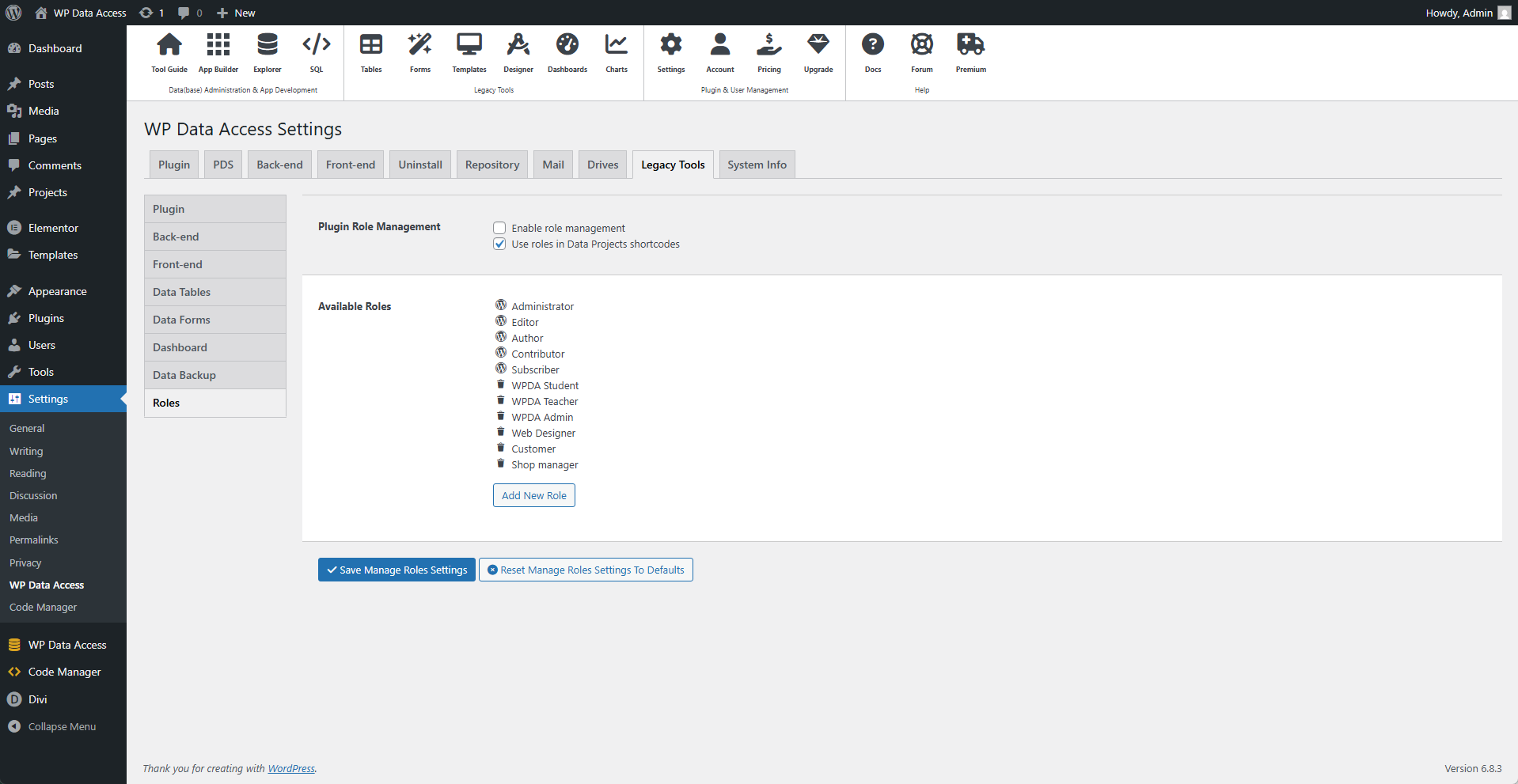
Plugin Role Management
WP Data Access includes a simple role manager. It allows you to create roles and use them to manage user access in your Data Projects. Plugin role management is disabled by default. The role manager allows you to create roles, but does not allow you to add capabilities to them, as capabilities are not used to handle user access within the plugin.
📌 You can use any other role management plugin to create user roles and use them in your Data Projects.
⚙️ Enable Role Management
When enabled, the plugin adds a dropdown list to the user management and profile pages that allows you to add multiple roles to a user.
⚙️ Use Roles In Data Projects Shortcodes
When enabled, the plugin checks for user roles on the front-end. This only works for Data Projects (forms) and does not affect apps or tables.
⚙️ Add New Role
You can add new roles here. These roles will not have any capabilities and can be added to users or user groups to manage user access in your Data Projects.
⚠️ IMPORTANT
Do not use this feature in combination with another role management plugin! Different plugins can overwrite each other's features with unpredictable results.